Describe.
What are you making, who is it for, and what should it do?
You don’t need to learn everything at once.
Pick one useful thing and take the next small step.
What are you making, who is it for, and what should it do?
Open the first version. Use it as the person you’re making it for.
Ask for one change. Check it worked. Keep going from there.
A checklist, a simple game or a page for your club. Describe who it is for and what it should do, then try what Codex makes.
Open the official quickstart at OpenAI ↗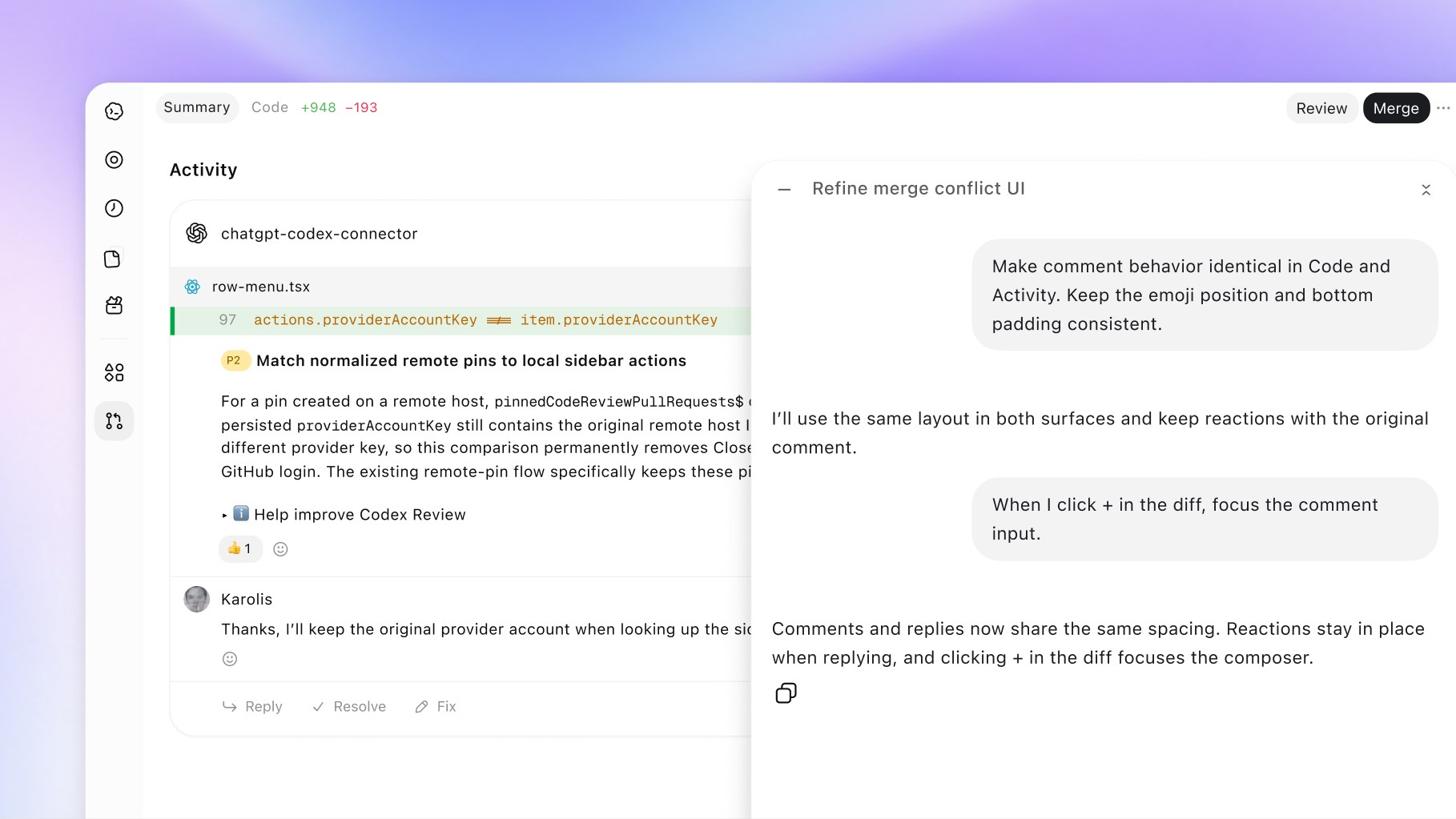
Bring the app window you’re looking at into the conversation. An Appshot gives context when something is easier to show than describe.
Explore Appshots at OpenAI ↗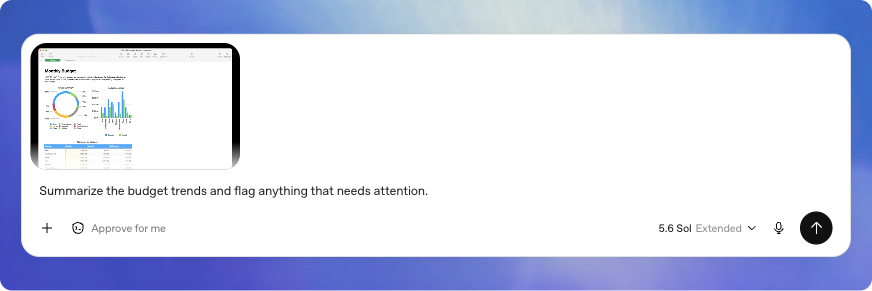
Make a useful tool, a shared page or a little game. Describe your idea, review the result and choose when to share it.
Explore Sites at OpenAI ↗
Talk through a rough idea and refine the brief as you go. We’ll try a short Voice demo in our 28 October workshop.
Explore the official feature guides at OpenAI ↗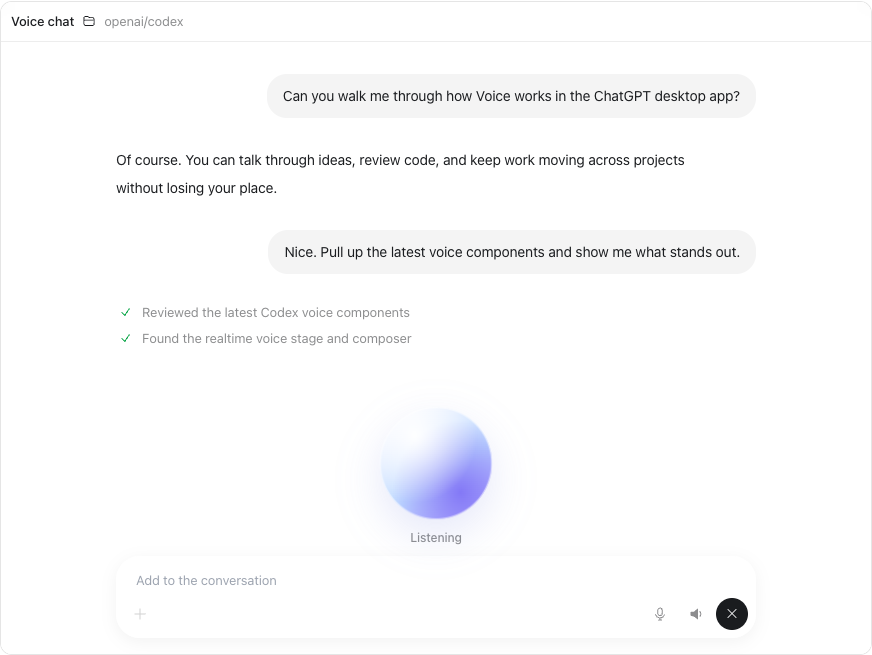
Product images and guides from OpenAI. Features and access can vary by plan, region and app version; the official guides have current details.
Explore our DevDay highlights ↗Play the animated update wall ↗